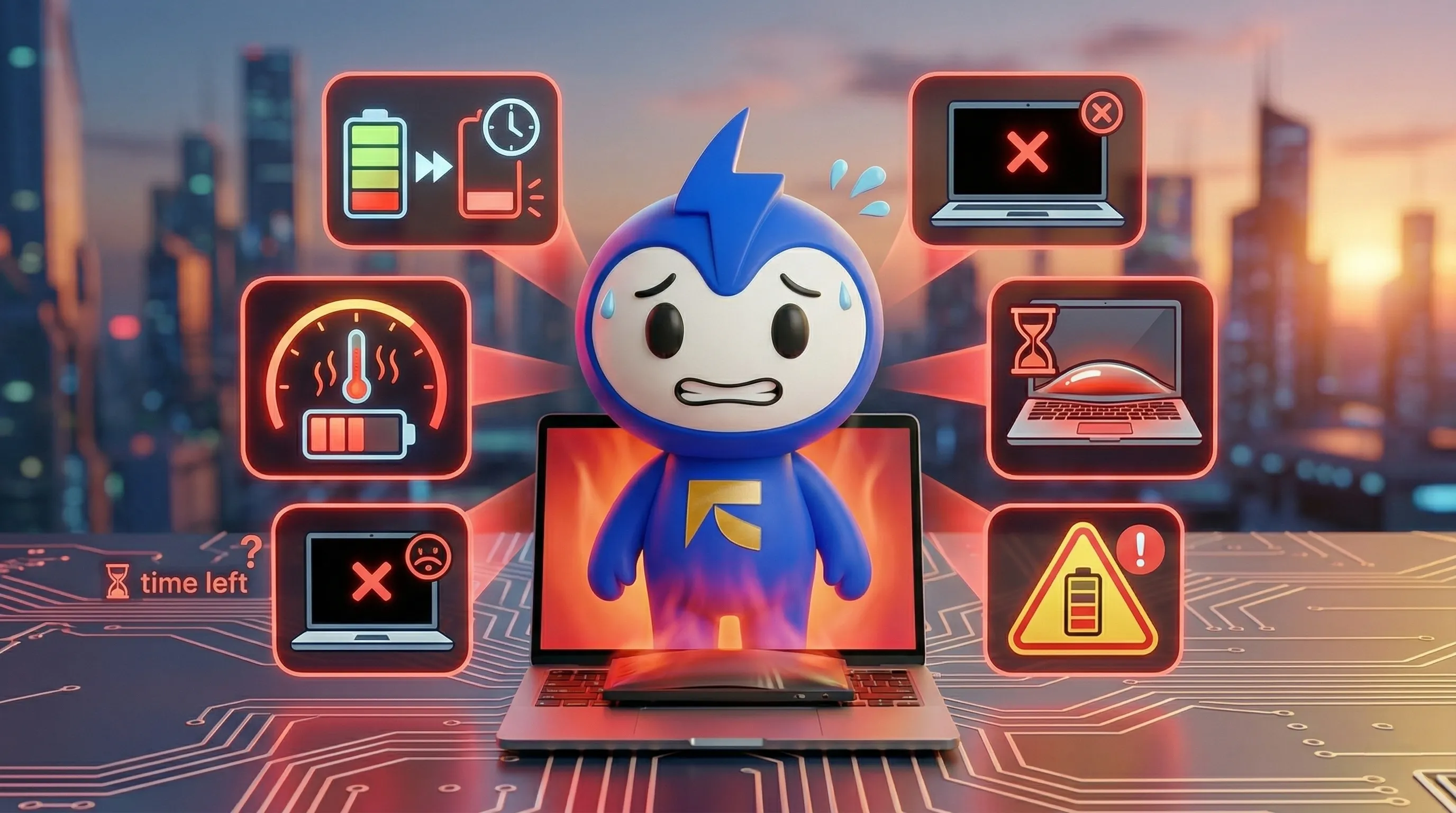
Your laptop battery is basically the heart of your whole setup—when it gives out, you're done. Whether you're grinding on a deadline in Dubai Marina or catching up on emails at a Business Bay café, a dying battery can wreck your entire day.
The good news? Your laptop usually tells you it's struggling before it completely dies.
Most laptop batteries last two to four years before they start acting up, but the warning signs show up much earlier if you know what to look for.
Let’s break down the seven signs that your battery is waving the white flag.
1. Your Battery Drains Very Quickly
Remember when your laptop could survive an entire afternoon session? Now it barely makes it through a coffee break.
If your fully charged battery only lasts 15 to 30 minutes instead of several hours, you’re dealing with serious battery degradation.
A healthy laptop should give you at least three to six hours of regular use. When you’re constantly hunting for outlets, that battery is likely failing.
This happens because lithium-ion batteries lose capacity after repeated charging cycles. Most batteries keep about 80% capacity after around 500 cycles.
2. Unexpected Shutdowns
Your battery shows 40%. Everything seems fine. Then suddenly the laptop shuts down.
These surprise shutdowns usually mean the battery cannot accurately report how much charge it actually has left.
Unexpected shutdowns are dangerous because they can cause lost work and data corruption.
3. Charging Takes Too Long or Doesn’t Work
A healthy battery charges relatively quickly and holds power when unplugged.
If your laptop takes hours to charge or gets stuck at the same percentage for a long time, the battery or charging system may be failing.
Sometimes the laptop only works while plugged in, which defeats the purpose of having a portable device.
4. Your Laptop Is Overheating
All laptops generate heat, but excessive heat may signal battery issues.
If your laptop becomes extremely hot or the fans constantly run at high speed, the battery may be working too hard.
Overheating can also damage internal components if not addressed.
5. Physical Battery Swelling
This is the most serious warning sign.
If your laptop looks puffy near the keyboard or trackpad, or it no longer sits flat on the desk, the battery may be swollen.
Swollen batteries occur when gases build up inside battery cells due to chemical breakdown.
Important: Stop using the laptop immediately if the battery is swollen. It can be a serious fire hazard.
6. System Battery Warnings
Modern operating systems warn you when battery health declines.
Examples include:
- Windows showing “Consider replacing your battery”
- MacBooks showing “Service Recommended” in battery settings
These warnings appear when the battery’s actual capacity drops significantly below its design capacity.
7. Your Laptop Is 3–4 Years Old
Laptop batteries typically last between 2 and 4 years depending on usage.
After several hundred charge cycles, battery capacity may drop to 50–70% of the original capacity.
If your laptop is several years old and showing other symptoms, battery replacement is usually the best solution.
Battery Warning Signs Summary
| Warning Sign | What It Means | Urgency Level |
|---|---|---|
| Rapid battery drain | Battery capacity degradation | Medium – Schedule repair soon |
| Unexpected shutdowns | Battery cannot report true capacity | High – Risk of data loss |
| Slow or no charging | Battery cells or charging system failing | Medium |
| Overheating and loud fans | Battery working too hard | High |
| Physical swelling | Chemical breakdown inside battery | Critical – Stop using device |
| System battery warnings | Operating system detecting battery problems | Medium |
| Laptop age (3–4+ years) | Natural battery degradation | Low–Medium |
What To Do If You Notice These Signs
- Stop using the laptop immediately if you notice battery swelling.
- Back up your data to prevent data loss from sudden shutdowns.
- Get a professional diagnosis. Sometimes recalibration or power management fixes the issue.
- Use genuine replacement batteries to avoid safety risks and hardware damage.
The Bottom Line
Laptop batteries rarely fail overnight. They usually give clear warning signs such as rapid drain, overheating, or shutdowns.
Catching these issues early can save you money and extend your laptop’s life for several more years.
Replacing a battery is far cheaper than buying a new laptop.
Frequently Asked Questions
1. How long should a laptop battery last on a single charge?
Most modern laptops provide 4–8 hours of battery life during normal use such as browsing, working on documents, or watching videos.
2. Can I replace the battery myself?
Some older laptops allow easy battery replacement. However, most modern laptops require internal disassembly, which is safer when done by professionals.
3. What does laptop battery replacement cost in Dubai?
Battery replacement typically costs between AED 200 and AED 800 depending on the laptop brand and model.
4. Can I keep using my laptop if the battery is dying?
If the battery is not swollen, you can still use the laptop while plugged in. However, swollen batteries should never be used due to safety risks.
5. How can I extend my laptop battery life?
- Keep battery charge between 20% and 80%
- Avoid extreme temperatures
- Reduce screen brightness
- Update your operating system regularly
6. Should I use genuine replacement batteries?
Yes. Genuine or manufacturer-certified batteries are safer and last longer compared to cheap third-party alternatives.
7. My laptop is only one year old but the battery is weak. Why?
This may be due to heavy usage, software issues, or manufacturing defects. If the device is still under warranty, you may qualify for a free battery replacement.
Need Laptop Battery Replacement?
FixBuddy offers professional laptop battery replacement with genuine parts and expert technicians.
We provide pickup and delivery services across Dubai, Sharjah, and Ajman.
Book your repair today and get your laptop back within 24–48 hours.